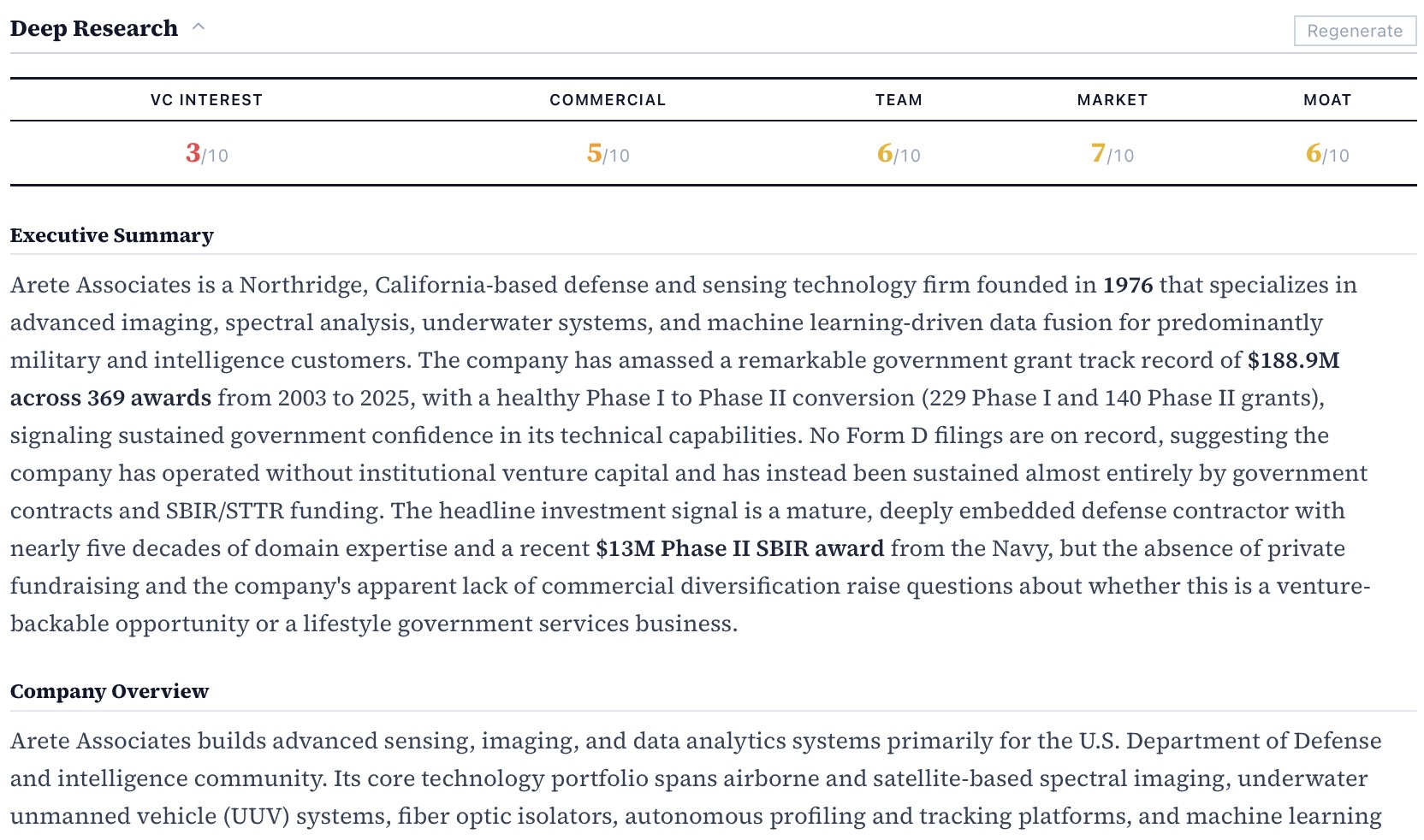
Describe what you're looking for in plain English.
Type a thesis, a technology, a geography, or a question. The AI assistant searches across 278K enriched grants and 78K company profiles and returns structured results — not a list of links.
Works in any language. Results include company name, grant agency, TRL score, and a one-line AI summary. 1,000 credits per month on the Individual plan.
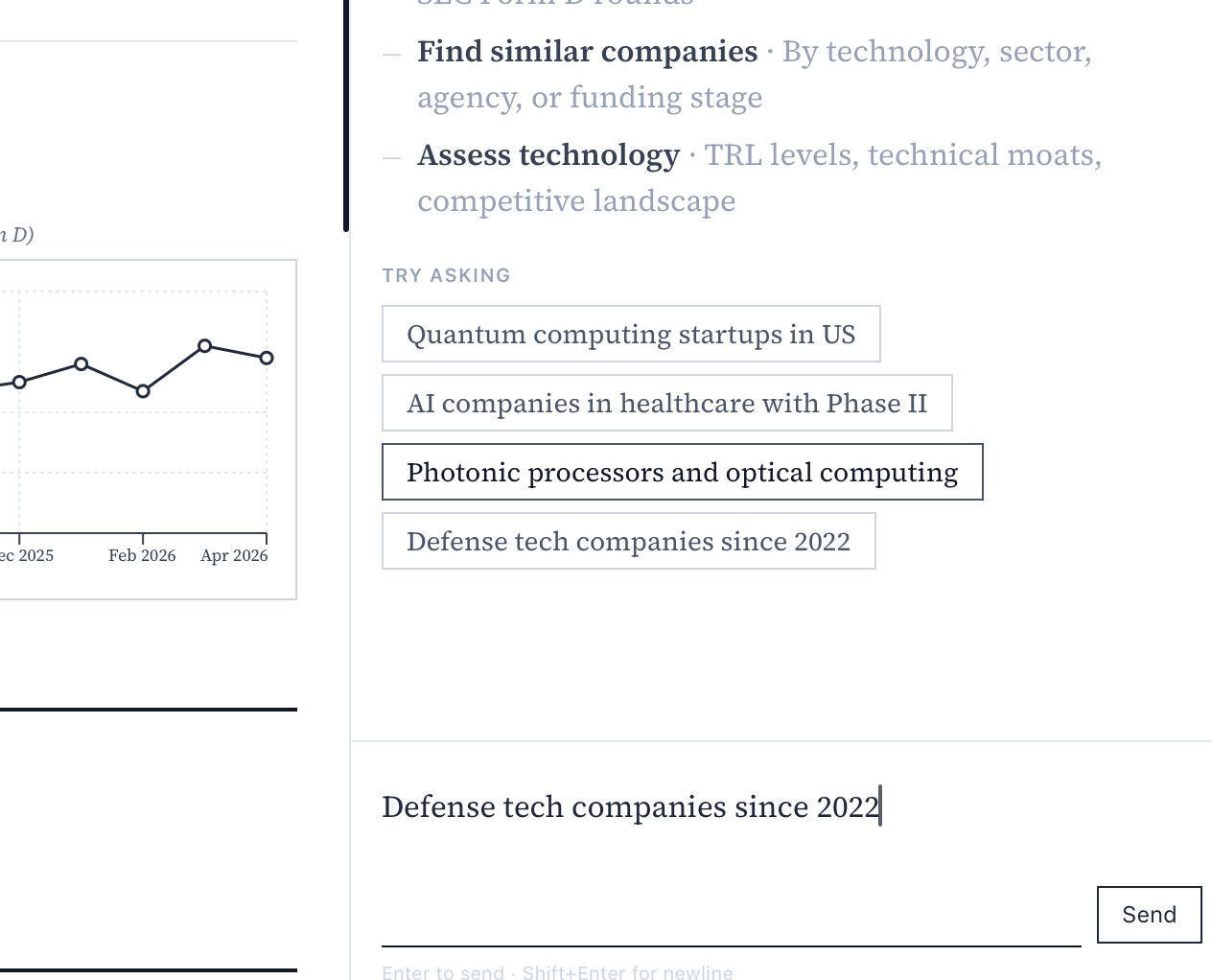
Browse enriched results. Filter by taxonomy, TRL, or stage.
Every result comes pre-enriched: TRL score, VC sector taxonomy, funding stage, and grant agency. Filter down to your exact thesis using 47 investment themes and 12 science disciplines — without touching a keyword.
Taxonomy filters stack with geography, TRL range, and funding amount. Save a search to come back to later.
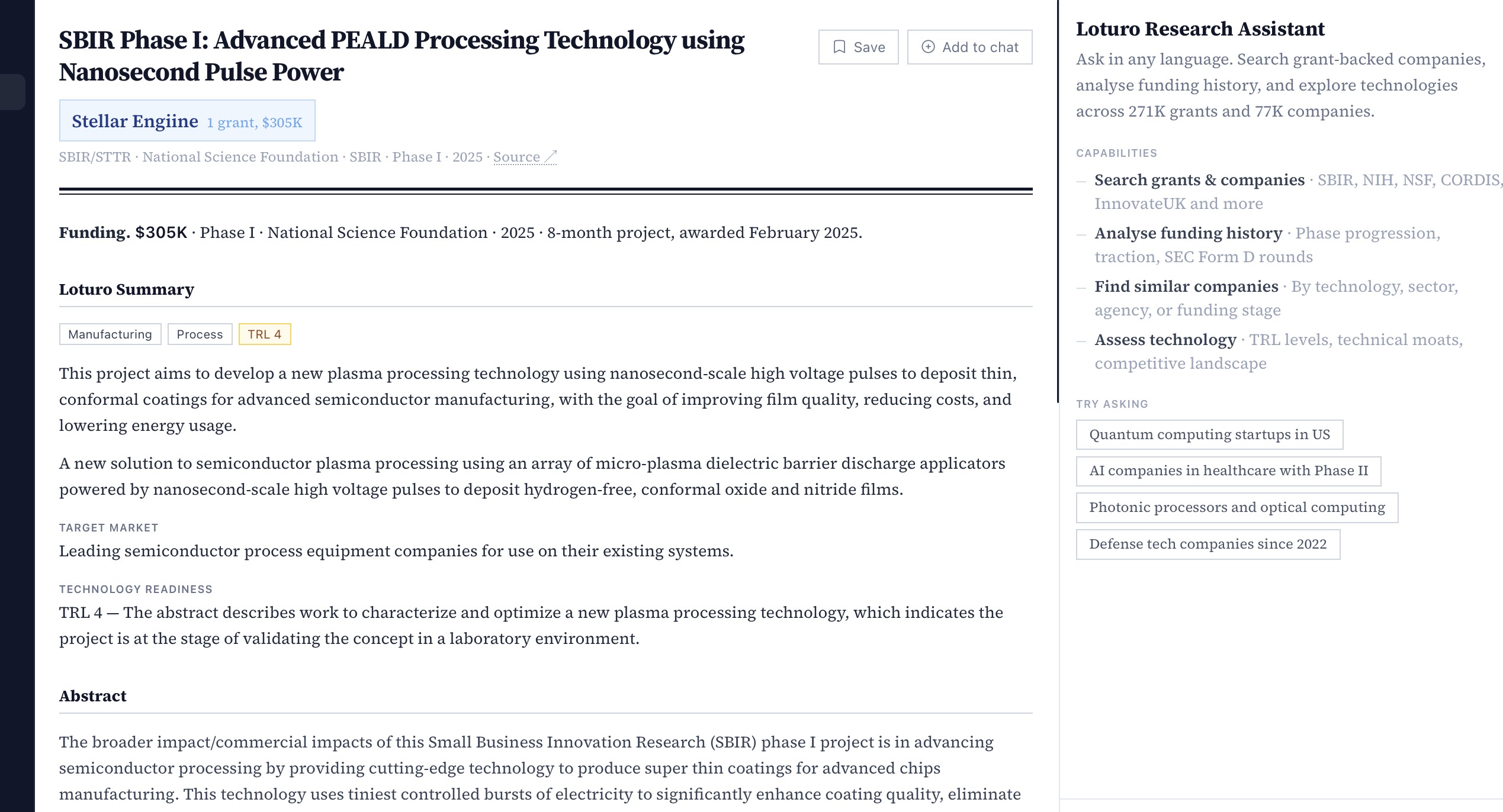
Open a company. See every signal in one place.
Click any company to see its full profile: all grants by year and agency, SEC Form D private capital rounds, TRL scores, enriched contacts and principal investigators, and an AI summary of the underlying technology.
Grant history and VC rounds appear on the same timeline so you can see exactly when a company crossed from public R&D to private capital — and how long the gap was.
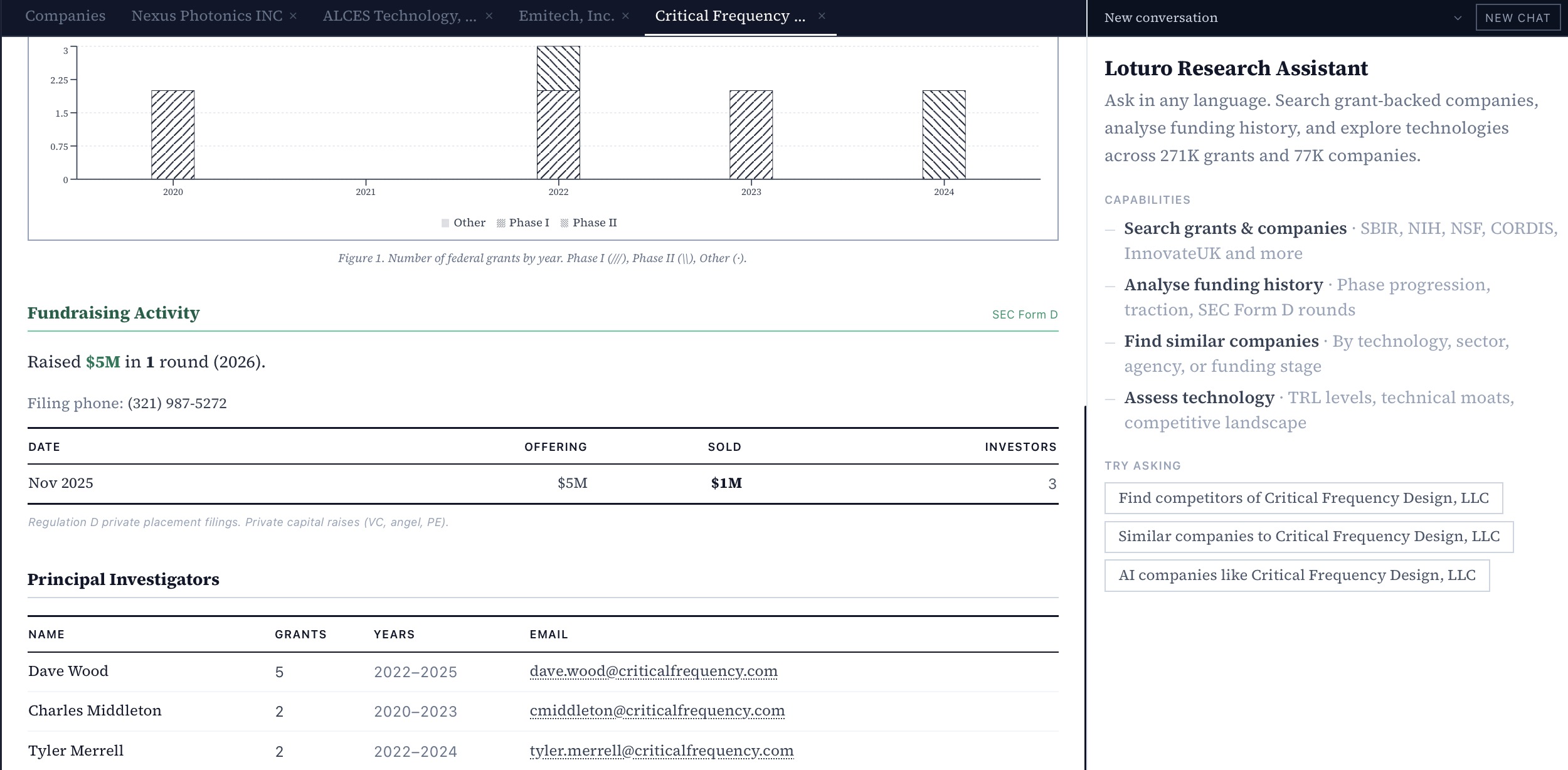
One click. A full investment brief.
The Deep Research button runs a full investigation on any company or grant and returns a structured brief: technology summary, market context, competitive landscape, team signals, and an investment thesis — ready to share with your team.
Deep Research draws on grant abstracts, public filings, and web sources. Output is a formatted document you can copy or export.